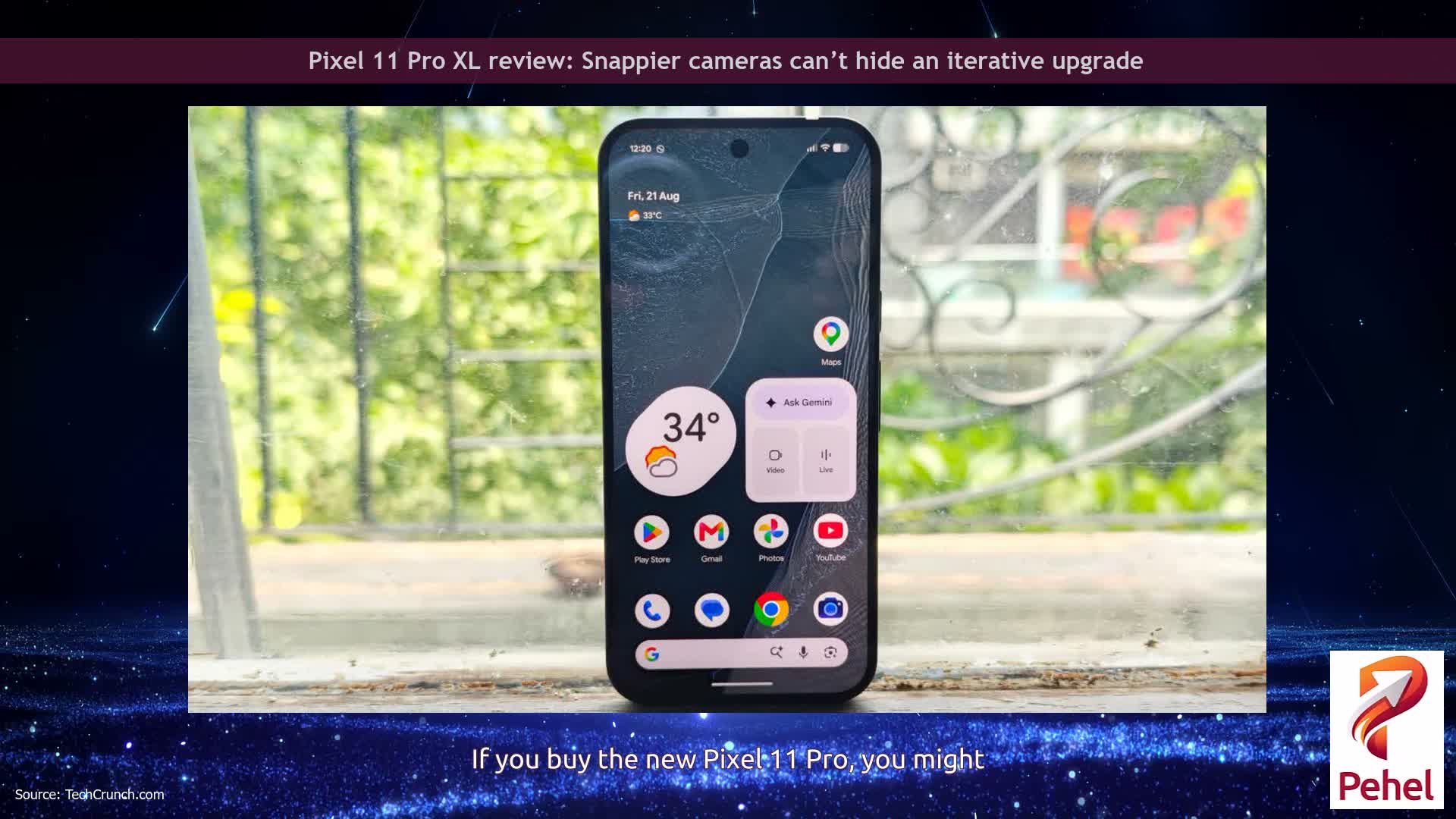
Google is testing a new Device help feature powered by Gemini that can troubleshoot problems, change settings, and guide Pixel 11 users through different features on their phones.
The experimental feature appears inside Gemini’s plus menu, near the bottom of the list just above Personal Intelligence. It currently carries a Labs badge, indicating that Google is still testing it with a limited number of users.
Device help has appeared in Google app beta version 17.52, but it has not yet received a wider rollout.
Instead of searching through settings or support pages, users can describe a problem directly to Gemini and continue the conversation while troubleshooting it.
Device help can assist with problems involving Wi-Fi, Bluetooth, mobile data, battery drain, audio, and app performance.
It can also check battery usage, enable Battery Saver, review how storage is being used, and suggest ways to free up space.
Gemini’s new tool goes beyond simply explaining how to fix a problem.
Users can ask it to adjust settings such as screen brightness, Dark theme, screen timeout, sound and vibration modes, Do Not Disturb, and Digital Wellbeing features.
It can review app permissions involving the camera, microphone, and location, as well as help manage notifications and configure app timers.
Device help can also provide step-by-step instructions for using Pixel features, gestures, camera functions, and privacy controls.
The feature effectively gives Pixel users a conversational troubleshooting assistant built directly into Gemini.
For now, however, Device help remains an experimental feature under limited testing, and Google has not announced when it will become widely available.
Get the latest tech news, telecom insights, and product launches wherever you prefer.
Add ProPakistani to Preferred Sources and see more of our stories in Google Search and Top Stories.
Technology and Automotive Specialist covering the latest cars, smartphones, AI breakthroughs, and...
Shares